Hail on AWS
본 문서에서는 AWS에서 오픈소스 Hail을 실행하는 방법을 안내합니다. 몇 가지 방법이 있습니다. 가장 적합한 방법을 선택하는 것이 중요합니다.
VPC 생성
1. VPC를 생성합니다.


다른 모든 사항은 기본값으로 하여 Name만 지정해주었습니다.
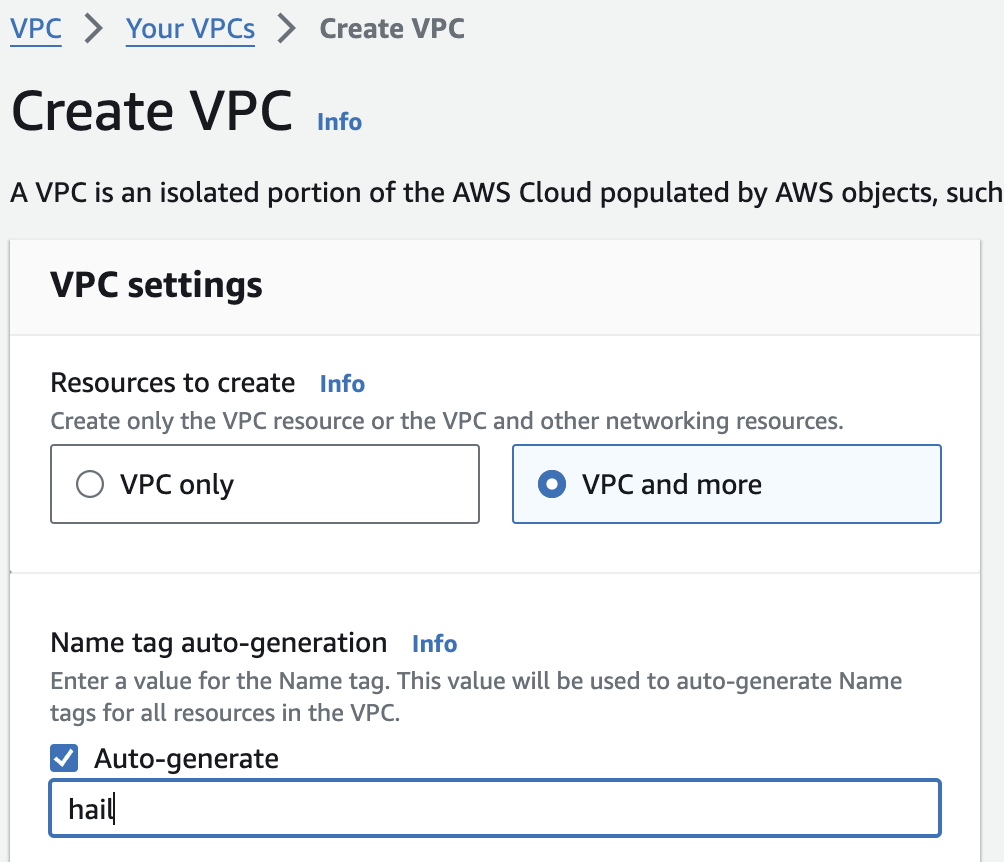
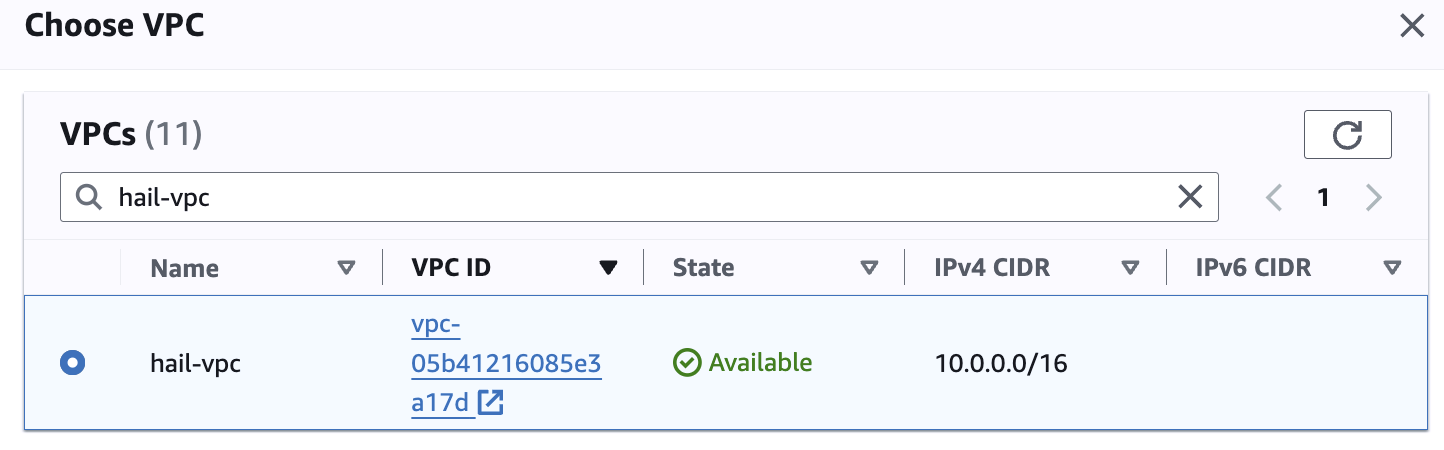
만들어진 hail-vpc 이름의 VPC ID 를 확인합니다.

2. 보안 그룹을 2개 생성합니다. 이때 앞에서 만든 VPC를 선택해야 합니다.
여기서는 emr-primary-sg 와 emr-core-sg 로 이름을 지정했습니다.


EMR 생성
클러스터 생성
1. EMR 콘솔로 접속합니다.
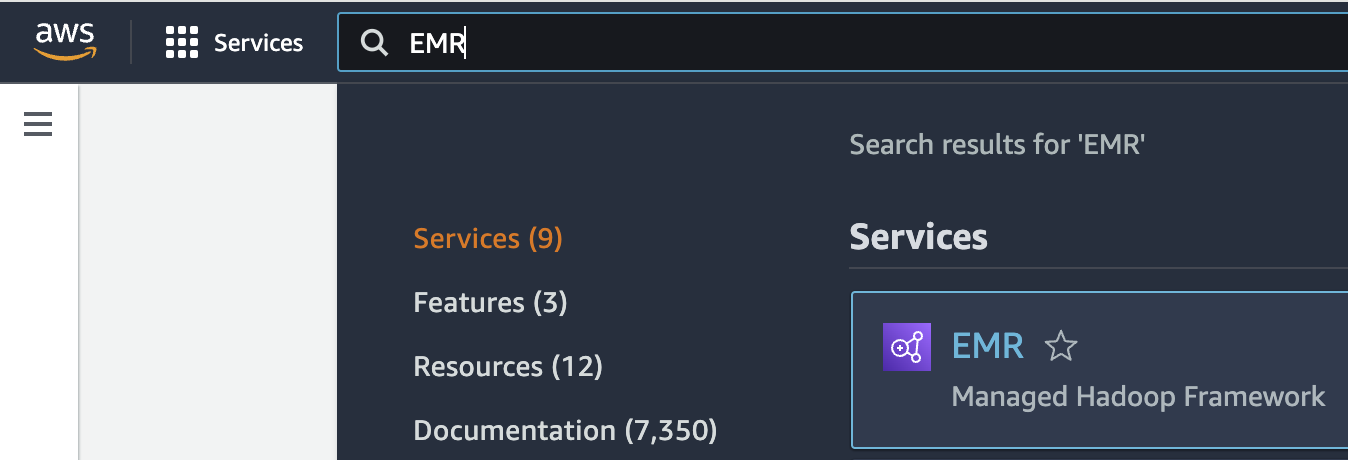
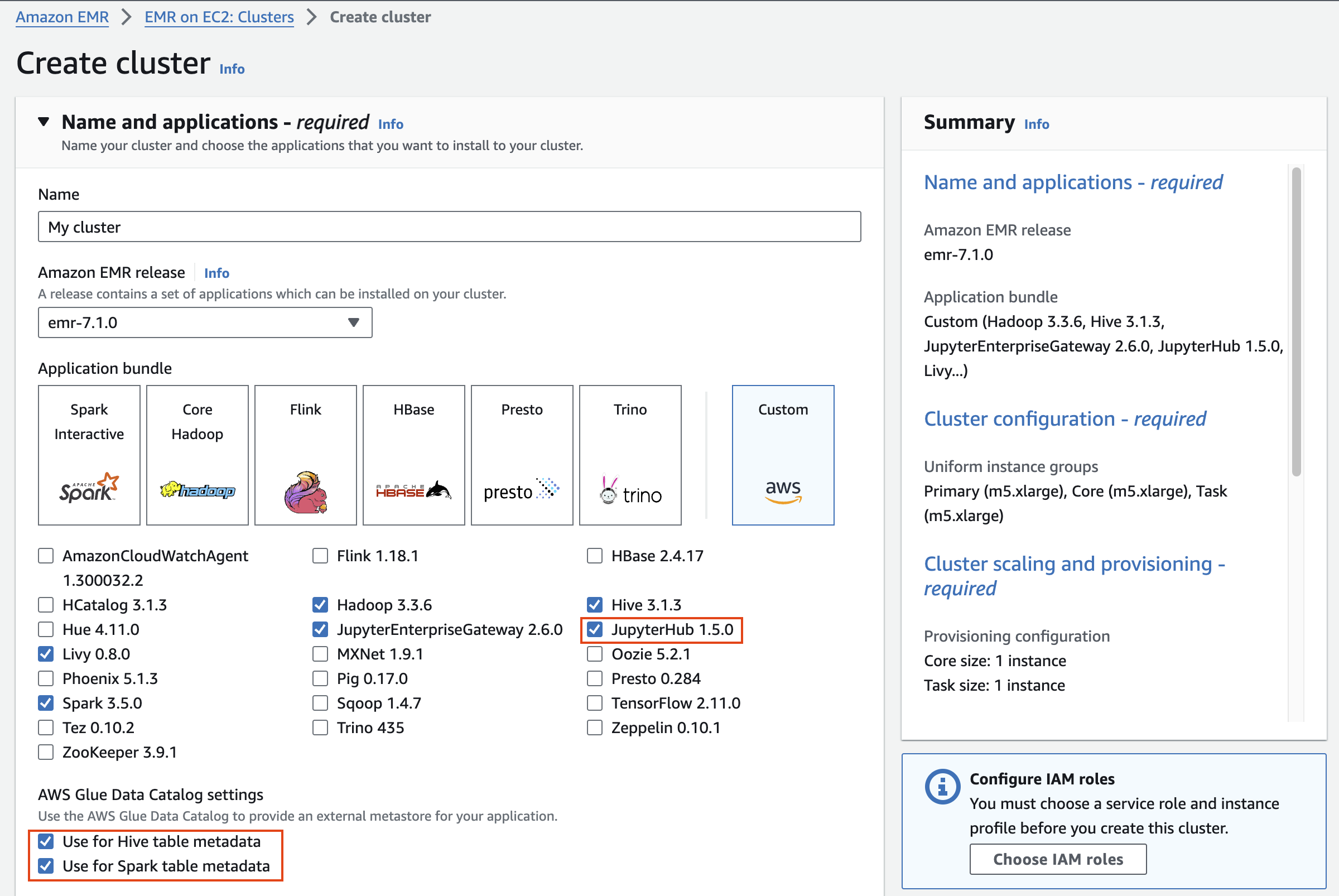
2. EMR on EC2 > Clusters 메뉴를 선택하고 클러스터를 새로 생성합니다.
기본 선택된 Application bundle 이외에 JupyterHub 1.5.0를 선택했습니다.
그리고 Use for Hive table metadata, Use for Spark table metadata를 체크합니다.
Cluster configuration 에서 Task 노드는 삭제합니다.
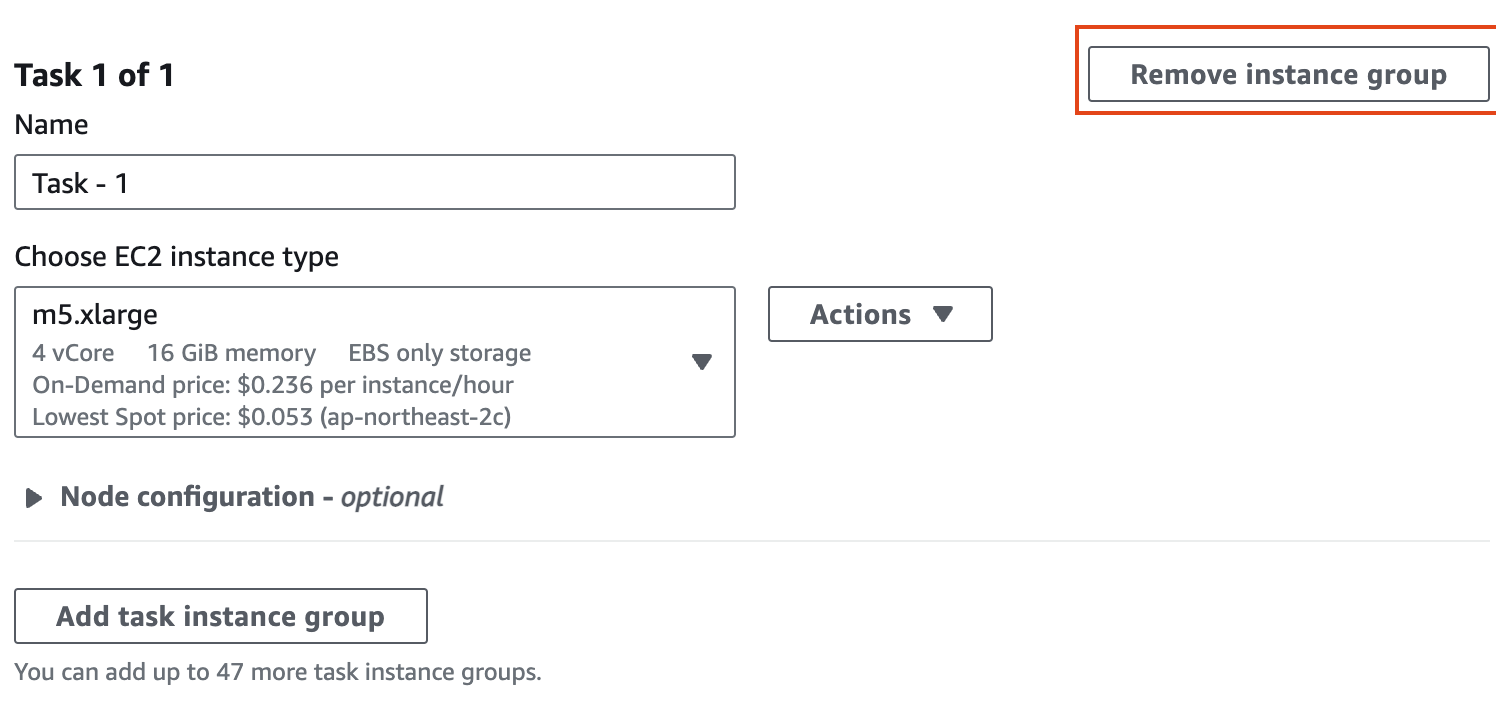
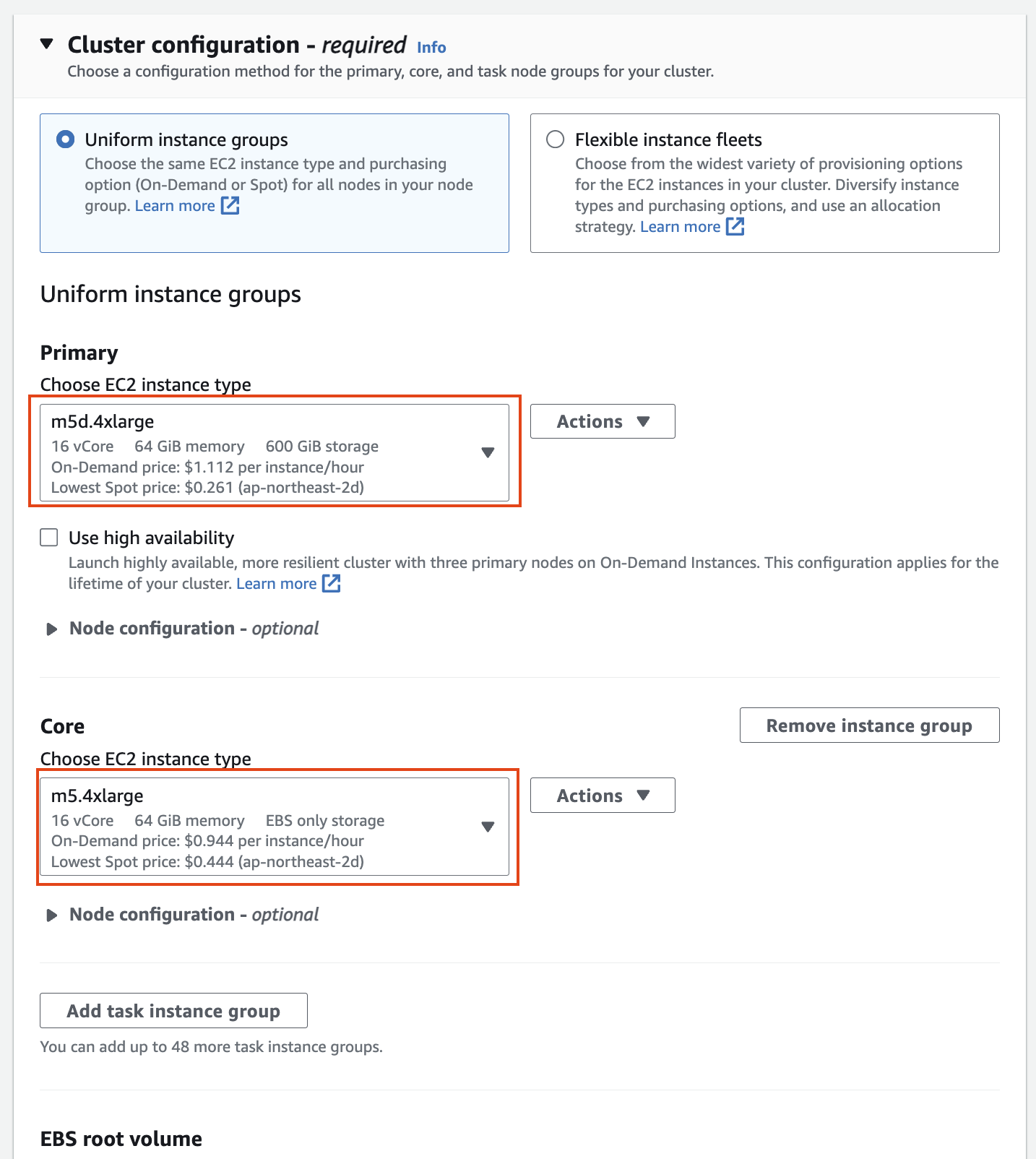
인스턴스 그룹에서 기본의 경우 m5d.4xlarge(스토리지 추가)를 선택하고, 코어의 경우 m5.4xlarge를 선택한 후 작업 노드를 제거합니다(작업 노드는 작업 실행에만 사용되며 HDFS에 데이터를 저장하지 않습니다).
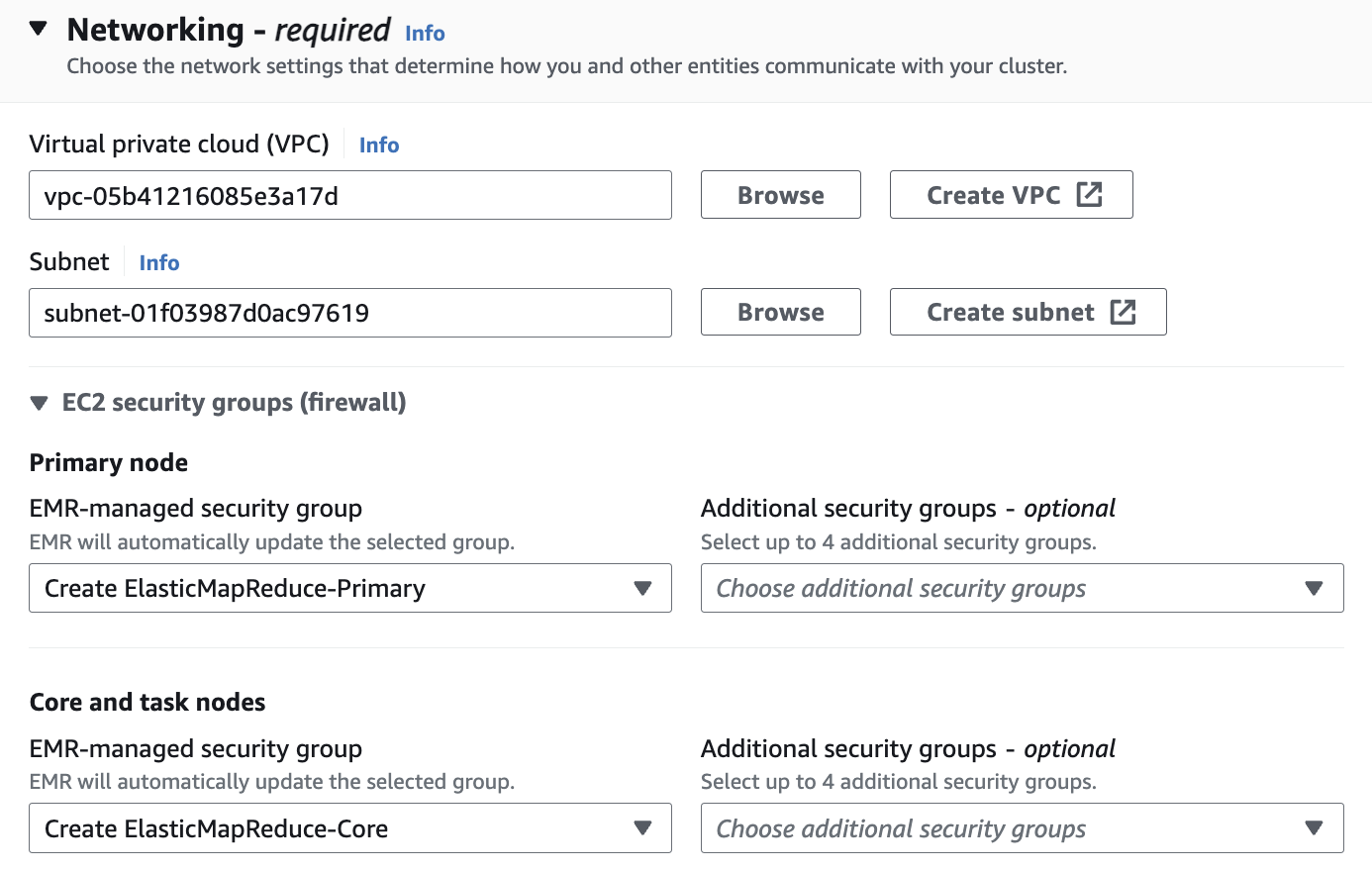
Networking 설정에서 vpc는 앞에서 만들었던 hail-vpc에 해당하는 VPC ID 를 선택합니다.
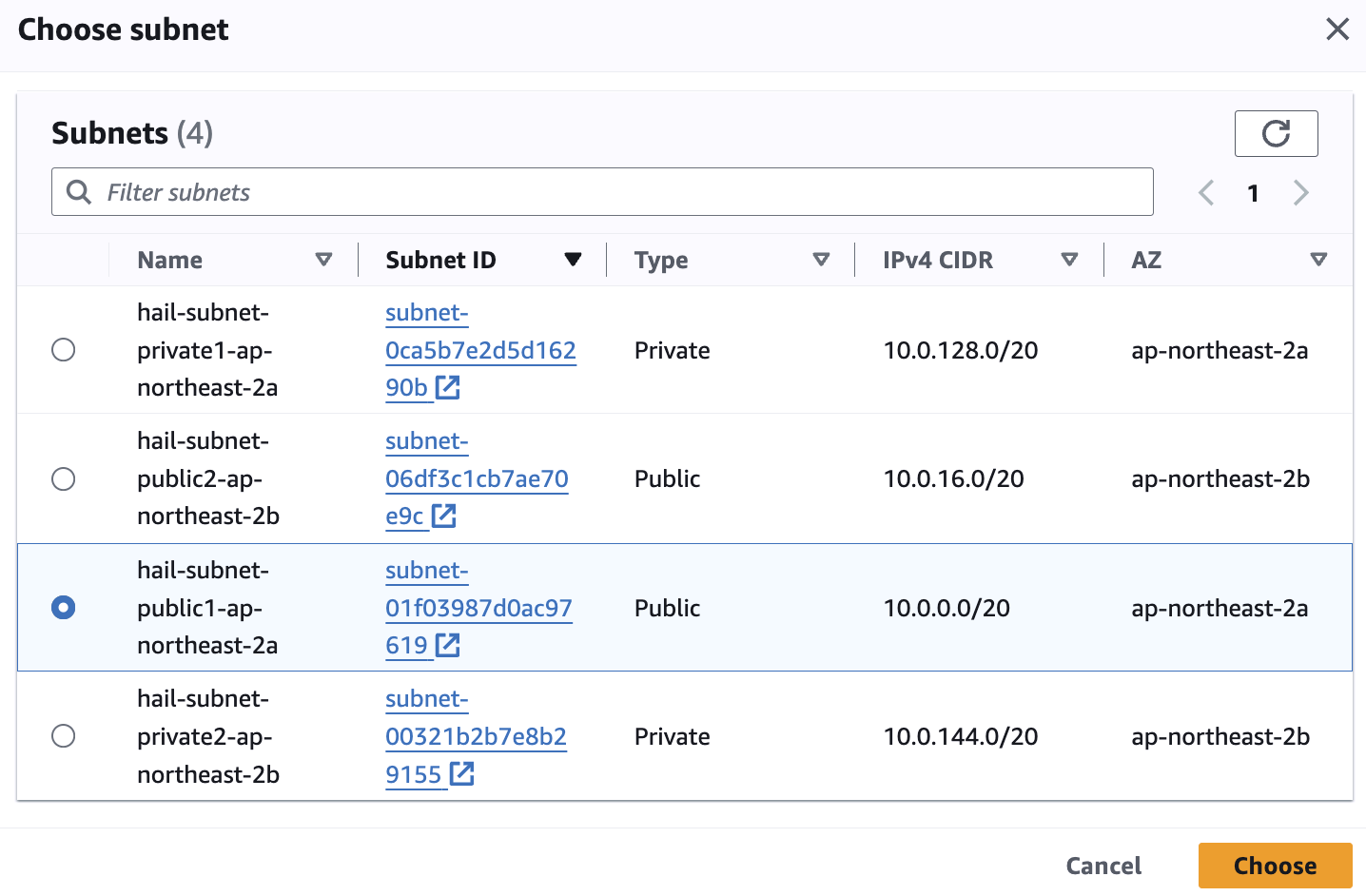
Subnet은 public 중에 선택합니다.
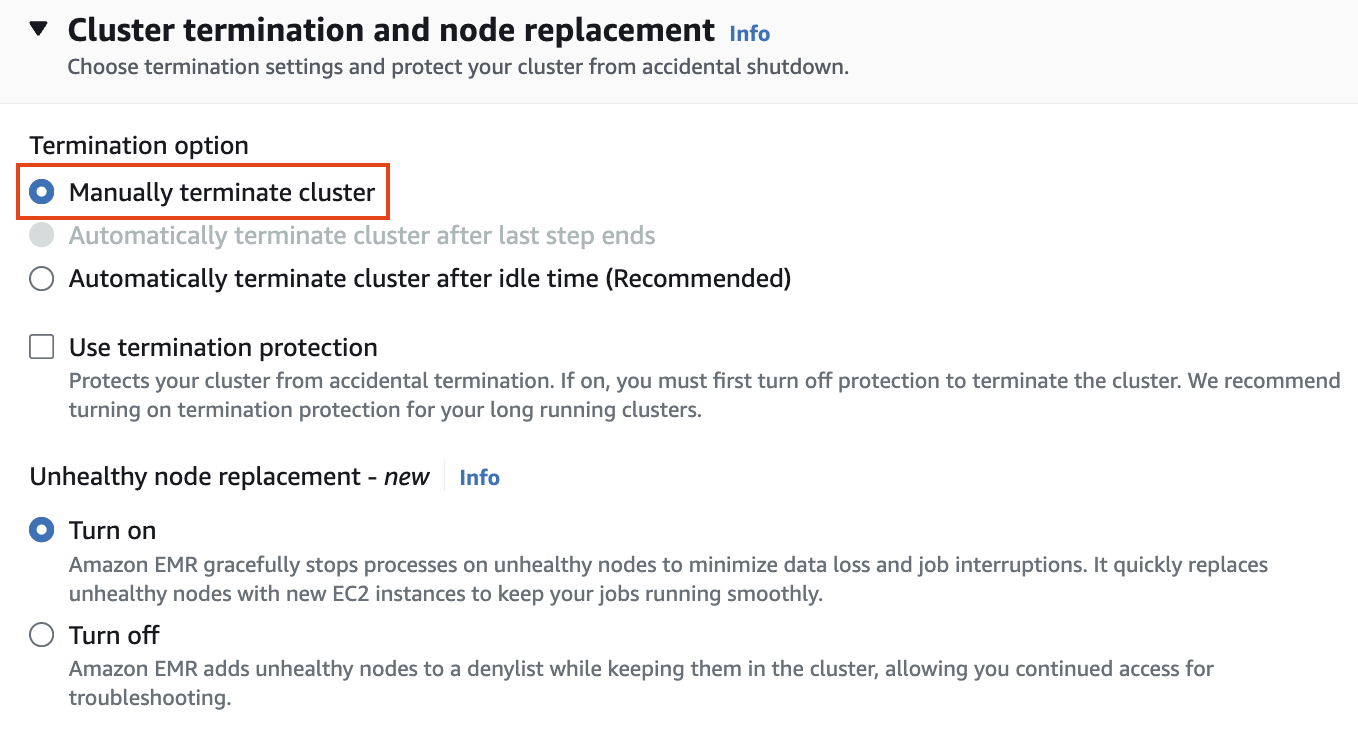
Cluster termination and node replacement 설정에서 Termination
option에서 Manually terminate cluster 를 선택합니다.
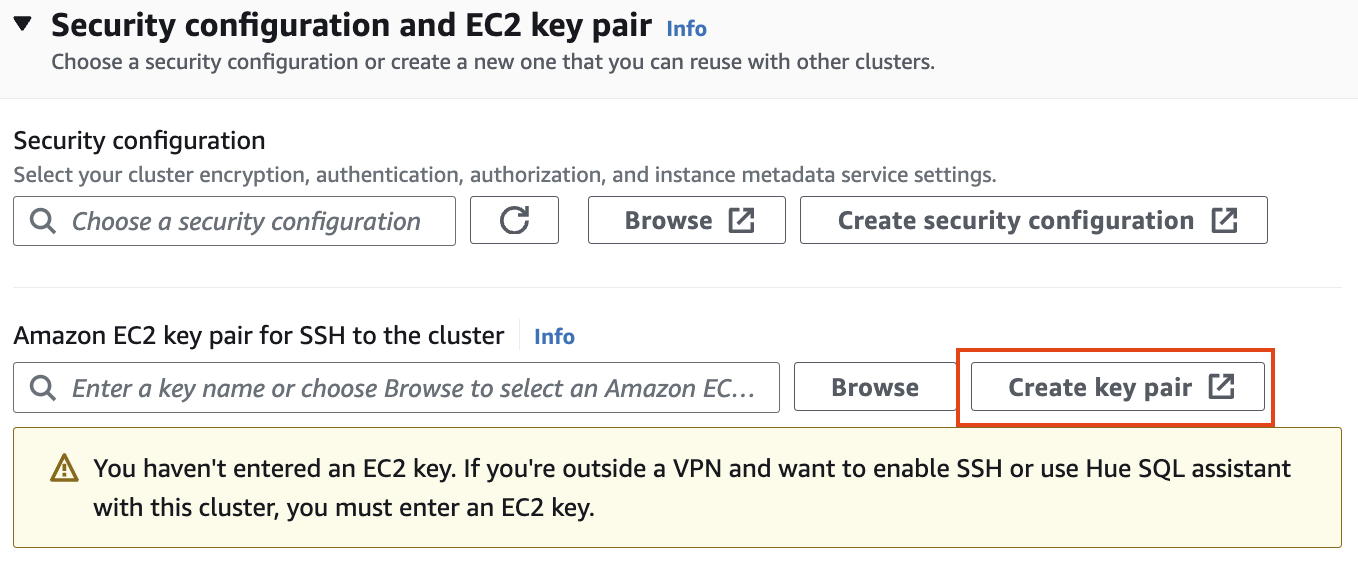
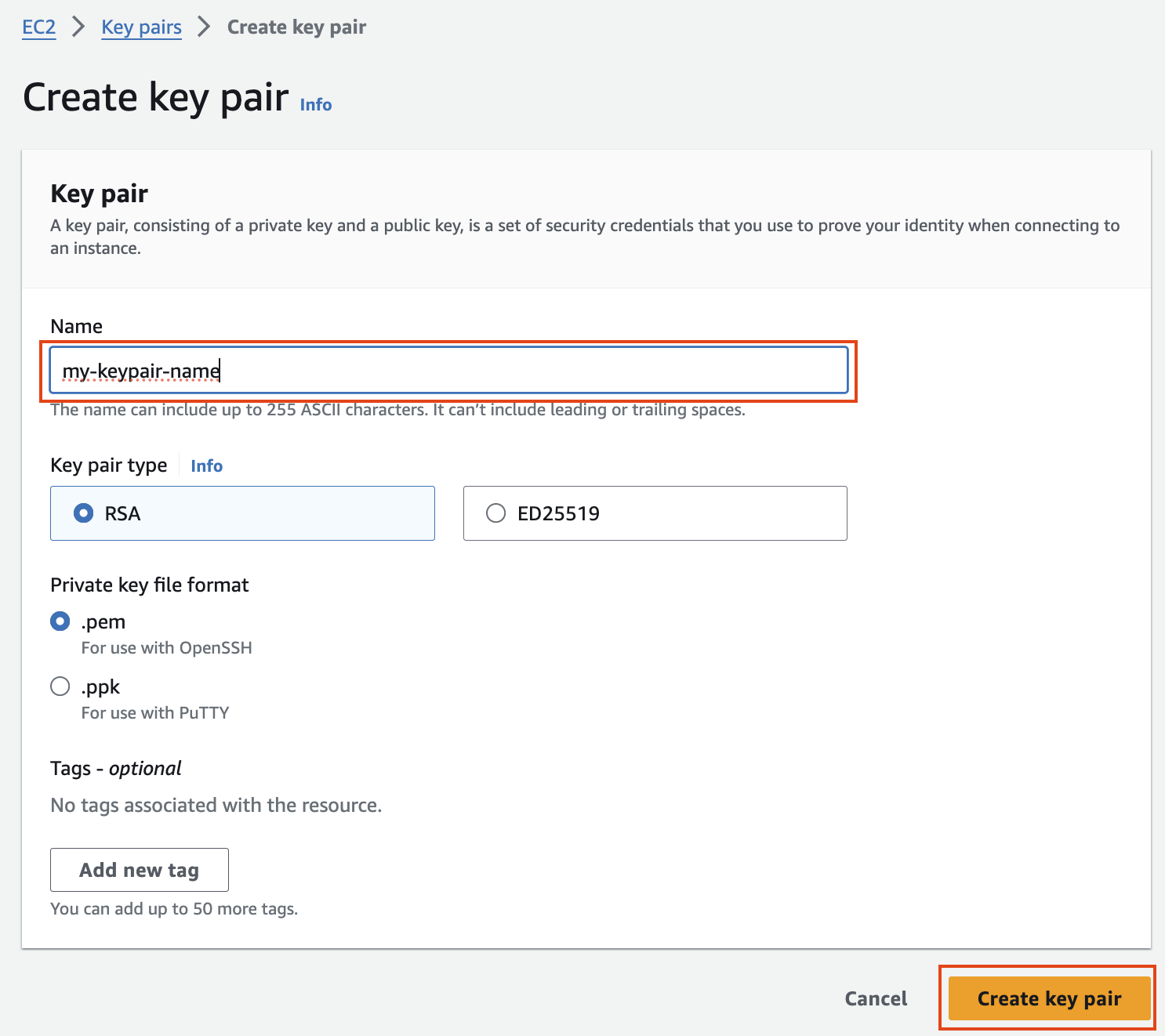
보안 구성 및 EC2 키 쌍에서 키 쌍을 만들고 ssh용 .pem 키 파일을 저장합니다.
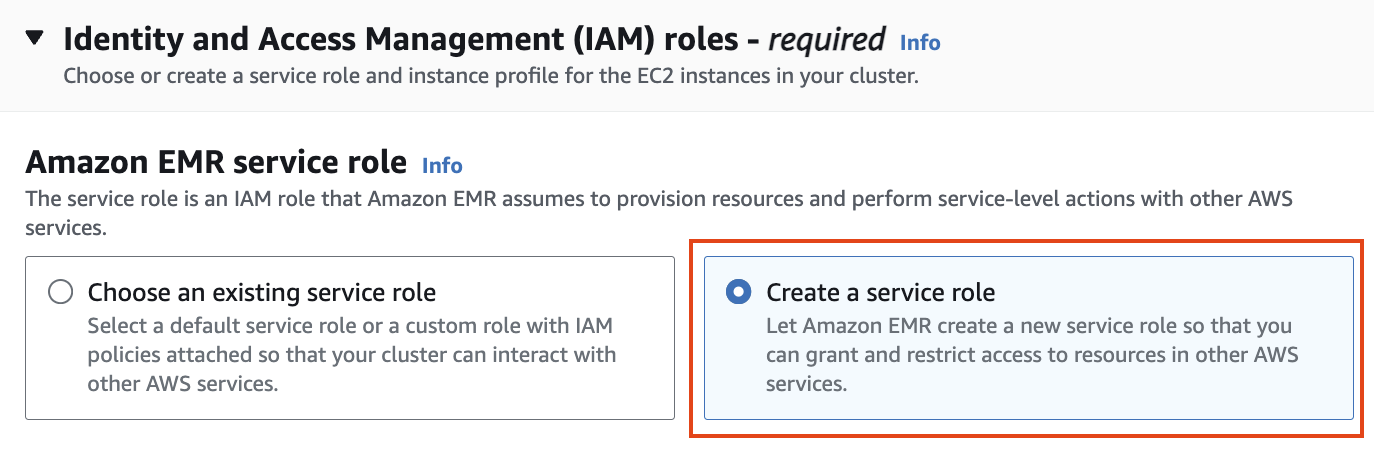
ID 및 액세스 관리 역할에서 서비스 역할 및 인스턴스 프로필 만들기를 선택합니다.
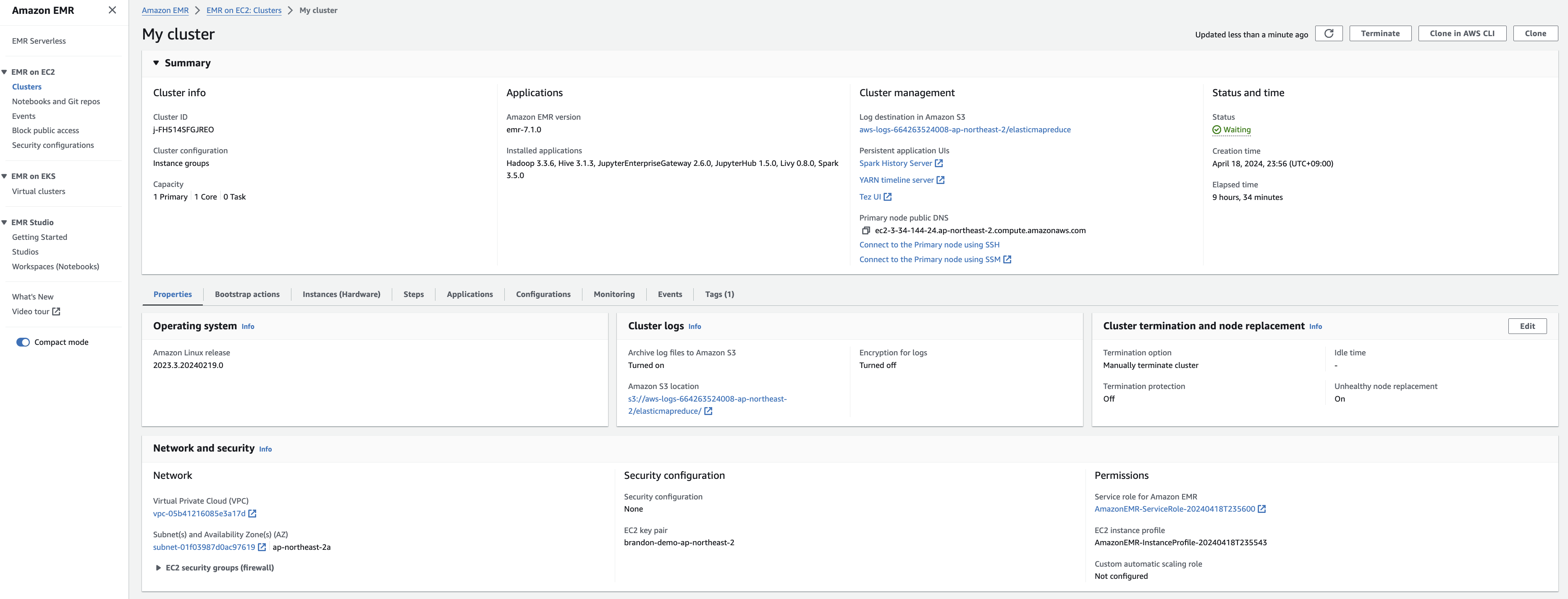
다음과 같이 EMR 클러스터 생성을 확인합니다.
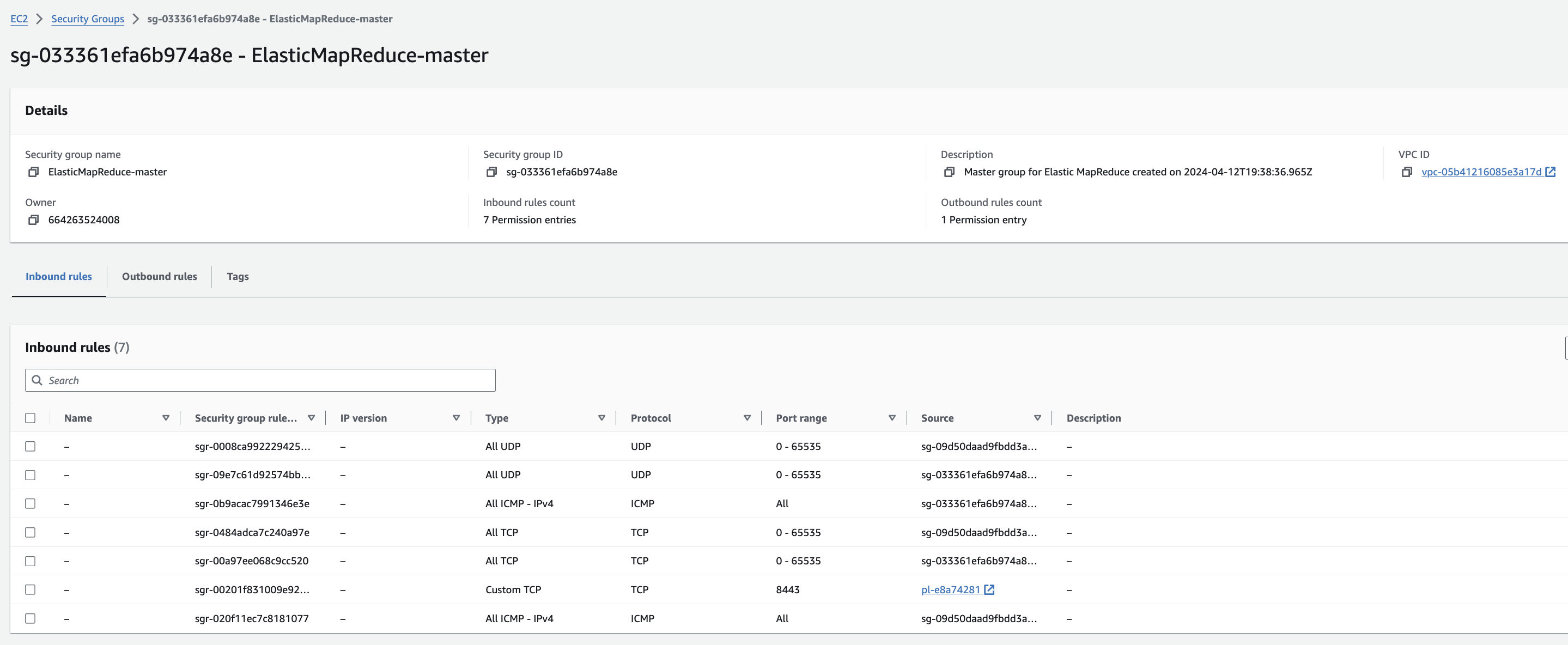
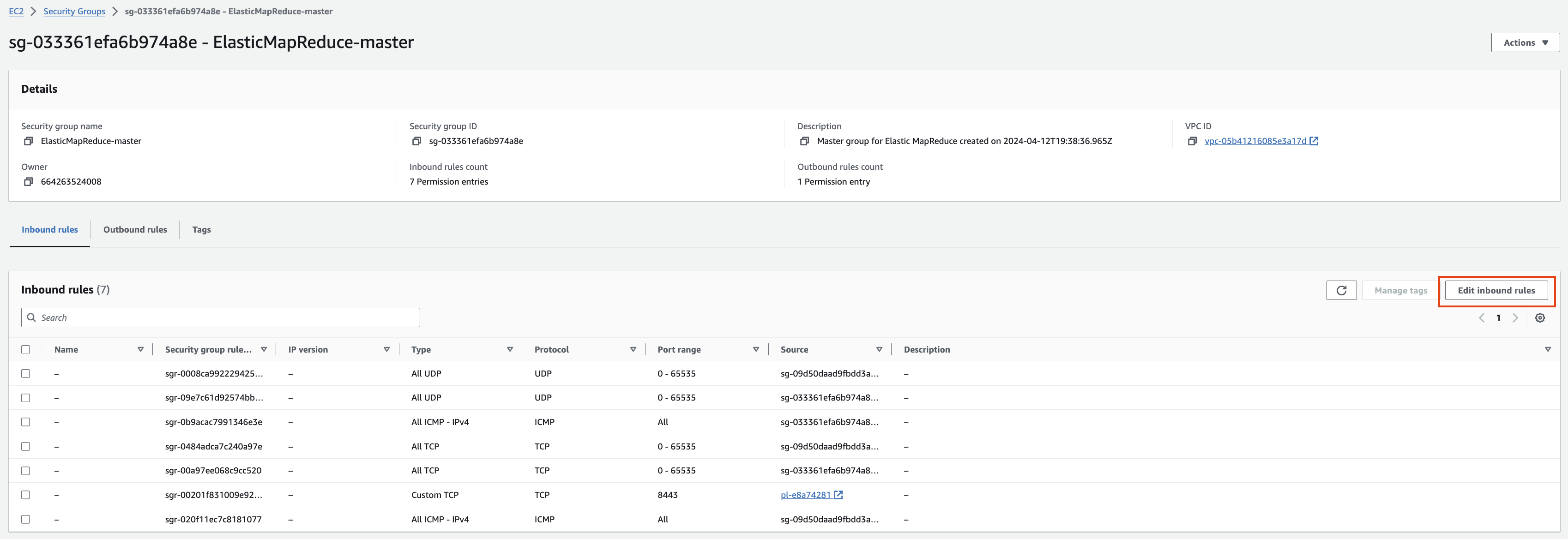
EMR-master 에 대한 Security group 확인을 해봅니다. Edit inbound rules를 눌러 ssh 로 접속할 수 있도록 룰을 추가합니다.
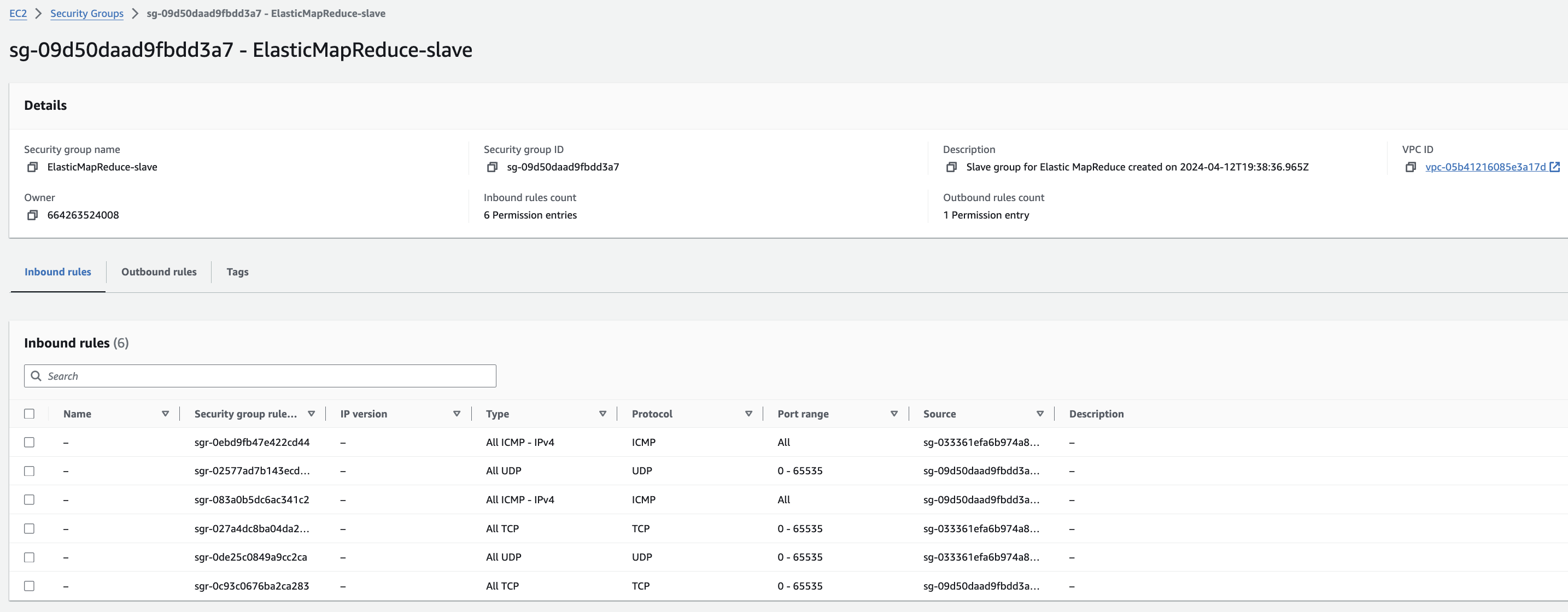
EMR-slave에 대한 Security group 확인
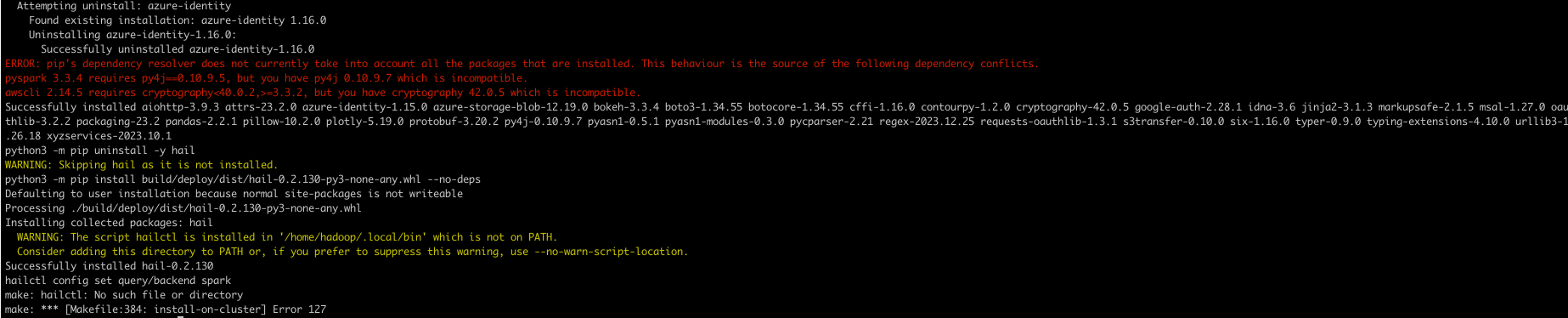
hail 설치 (참고)
sudo yum install git lz4 lz4-devel openblas-devel lapack-devel

git clone https://github.com/hail-is/hail.git

cd hail/hail

export JAVA_HOME=/usr/lib/jvm/java-1.8.0-amazon-corretto
export PATH=$PATH:/home/hadoop/.local/bin

make install-on-cluster HAIL_COMPILE_NATIVES=1 SCALA_VERSION=2.12.18 SPARK_VERSION=3.5.0
hail test (참고)
import hail
mt = hail.balding_nichols_model(n_populations=3,
                              n_samples=10,
                              n_variants=100)
mt.show()
Running with Spark (중요)
from pyspark.sql import SparkSession
import hail as hail
hail_dir = "/home/hadoop/.local/lib/python3.9/site-packages/hail" # Edit the path accordingly.

spark = SparkSession.builder \
    .config("spark.jars", f"{hail_dir}/backend/hail-all-spark.jar") \
    .config("spark.driver.extraClassPath", f"{hail_dir}/backend/hail-all-spark.jar") \
    .config("spark.executor.extraClassPath", "./hail-all-spark.jar") \
    .config("spark.kryo.registrator", "is.hail.kryo.HailKryoRegistrator") \
    .config("spark.serializer", "org.apache.spark.serializer.KryoSerializer") \
    .getOrCreate()


hail.init(spark.sparkContext)


#hail.stop() #if previous session is still open
참고 링크
트러블 슈팅
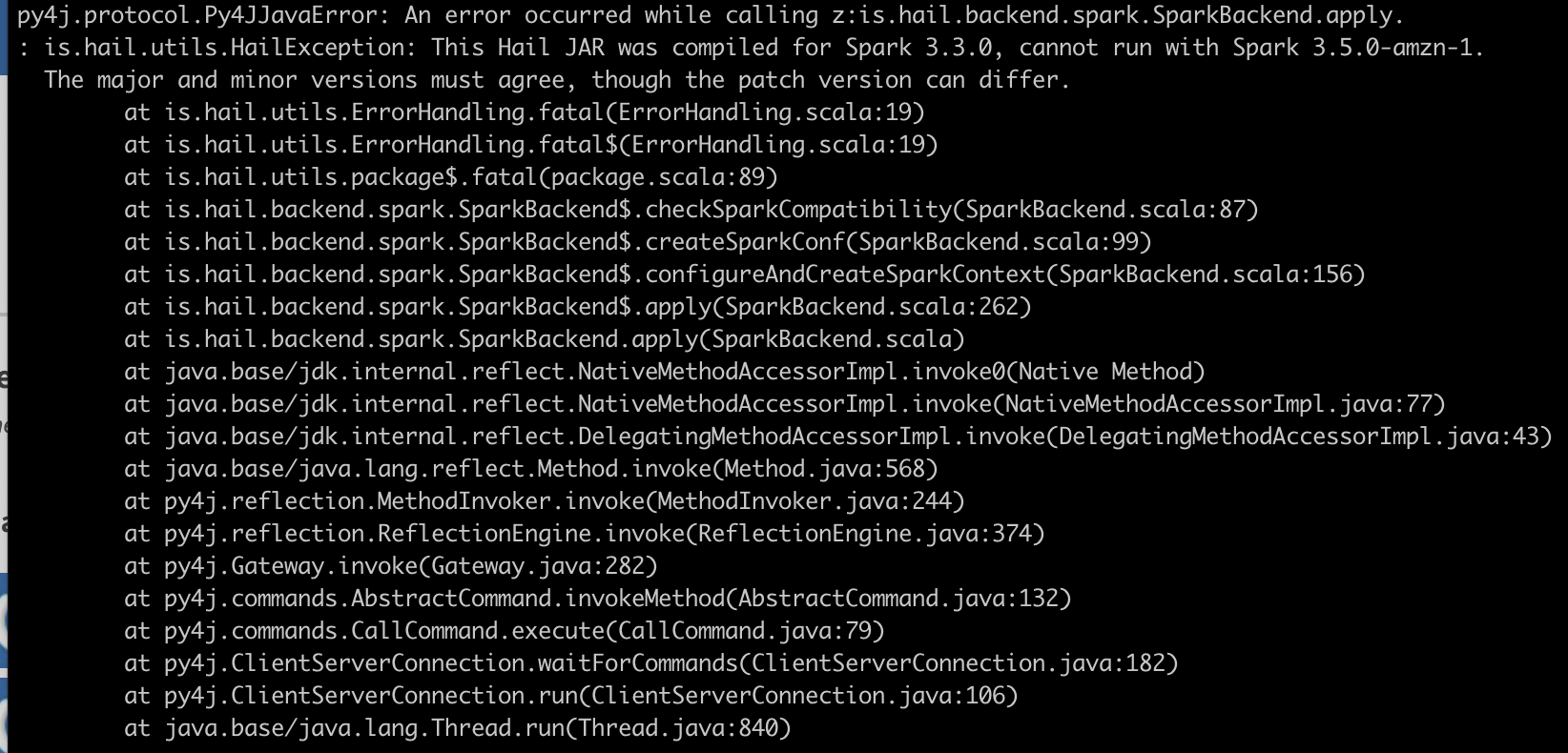
py4j.protocol.Py4JJavaError: An error occurred while calling z:is.hail.backend.spark.SparkBackend.apply.
: is.hail.utils.HailException: This Hail JAR was compiled for Spark 3.3.0, cannot run with Spark 3.5.0-amzn-1.
The major and minor versions must agree, though the patch version can differ.
export JAVA_HOME
export PATH=$PATH:/home/hadoop/.local/bin